Your forms, on your pages.
The plugin lists the forms you've built in RadarSend, so you can place them on your WordPress pages. Each one adds the contact, sends the confirmation if you use double opt-in, and starts the follow-up you set.
The RadarSend plugin adds website tracking to your WordPress site, puts your RadarSend forms on its pages, and records WooCommerce orders, refunds and subscription changes on each customer's contact.


Track your site, capture form sign-ups, and record WooCommerce orders on each customer's contact, all from the RadarSend plugin.
Install the RadarSend plugin from WordPress.org and sign in to your RadarSend account from it. The plugin sets up the tracking code and the forms for you, so there's nothing to paste into your theme.
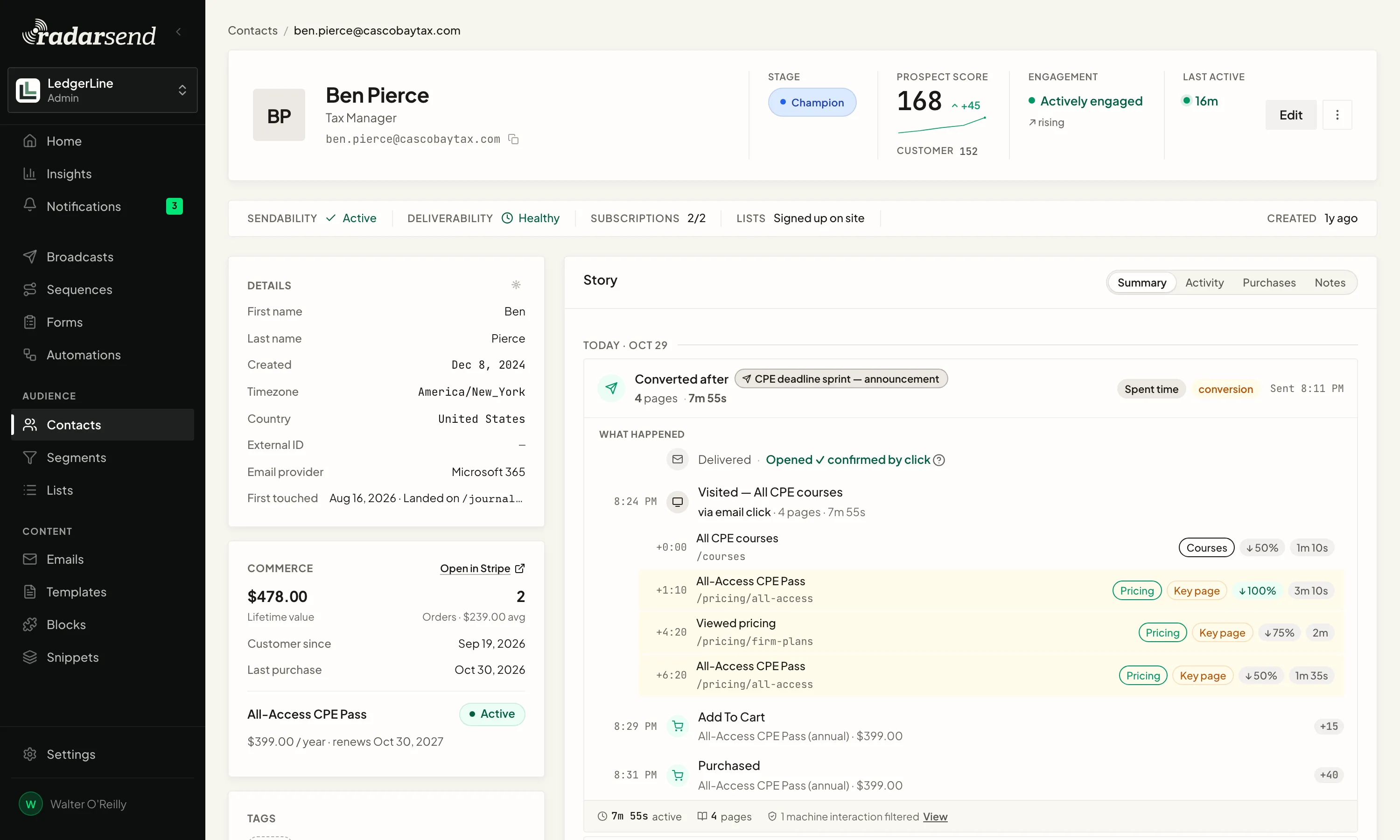
The plugin adds RadarSend's tracking code to every page. Visits show on the contact next to their emails, so you can see which pages someone read after a click, and how often they come back.
Visits count toward scores and segments, and RadarSend filters out bots and scanners before they do.
The plugin lists the forms you've built in RadarSend, so you can place them on your WordPress pages. Each one adds the contact, sends the confirmation if you use double opt-in, and starts the follow-up you set.
Each completed order lands on the customer's contact with the products in it, and refunds land the same way. With WooCommerce Subscriptions, so do renewals, failed renewal payments and cancellations.
They're activities like any other, so they can start an Automation or a sequence, add to a score, and build a segment.
Setting it up? Read the WordPress setup guide →